
Screenshots



App details
- Updated
- 2024-11-14T12:08:03.5118457Z
- Requires
- Windows 10 version 17763.0 or higher
- Language
- English
- Developer
- SnipItAI LLC
- Category
- Mobile
SoftPas in:
This product is also available in the following languages:
About SnipItAI
Download SnipItAI – AI-Powered Snipping Tool, Text & Image Capture, Smart Search, Productivity Utility
Overview
SnipItAI is a modern mobile application designed to streamline the process of capturing, organizing, and retrieving digital content. Built with Generative AI (GenAI) technology, it enables users to take precise snips of text, images, and files with minimal effort. The app targets professionals, students, researchers, and knowledge workers who frequently gather and manage large volumes of information across multiple projects. By integrating AI-driven search and retrieval, SnipItAI transforms passive content collection into an active knowledge management system. The tool is particularly valuable in environments where rapid access to accurate data is critical—such as academic research, content creation, or project planning.
Although the developer did not provide additional background information, the app’s focus on intelligent content handling suggests a specialized development team with expertise in AI integration and user-centric design. Real-world use cases include summarizing articles, saving code snippets, archiving reference images, and compiling research notes—all while maintaining a searchable, structured archive. In the current mobile ecosystem, SnipItAI fills a growing niche for AI-enhanced productivity tools that go beyond basic screenshot utilities. It represents a step forward in how users interact with digital content, making information not just accessible but actionable.
Key Features & Functionality
- AI-Driven Snipping: Users can capture text, images, and files with a single action. The GenAI engine processes each snip in real time, tagging and categorizing content based on context, improving future retrieval.
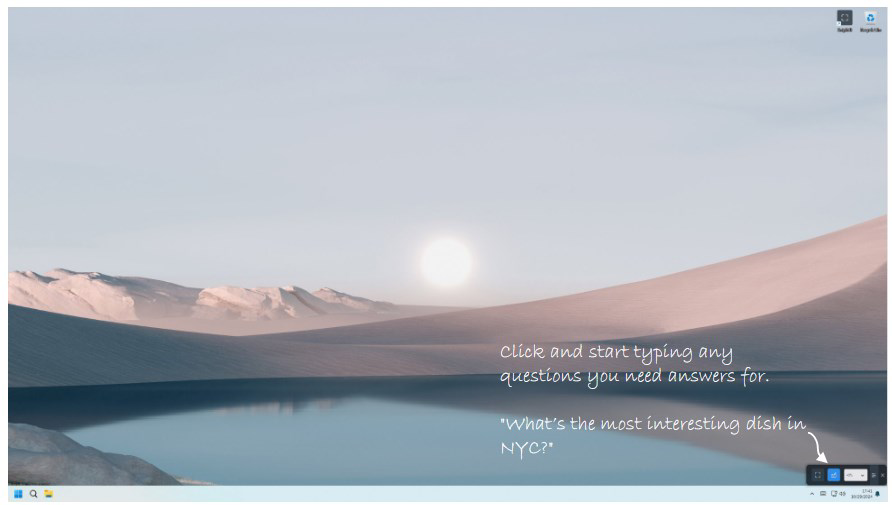
- Instant Search Functionality: Powered by intelligent indexing, the search feature allows users to locate specific snippets using natural language queries—such as “last week’s meeting notes” or “code for API authentication.”
- User-Friendly Interface: The layout prioritizes simplicity and speed. Navigation is streamlined, with clear icons and logical workflows that reduce cognitive load, making the app accessible to both novice and experienced users.
- Token-Based Access Model: A free trial grants 15,000 tokens for AI processing, enabling limited use of advanced features. Beyond this, users must purchase additional access to continue using full functionality.
- API-Dependent AI Processing: The app relies on OpenAI’s API for core AI operations, which may affect response consistency, accuracy, and latency under high demand or network instability.
For example, a researcher could capture multiple journal excerpts, then search for “climate change impacts on agriculture in 2023” to instantly retrieve relevant snippets. A developer might save several code blocks and later query “login function with JWT,” receiving precise matches. These use cases demonstrate how SnipItAI enhances productivity by turning fragmented information into a structured, searchable knowledge base.
Interface, UX & Performance
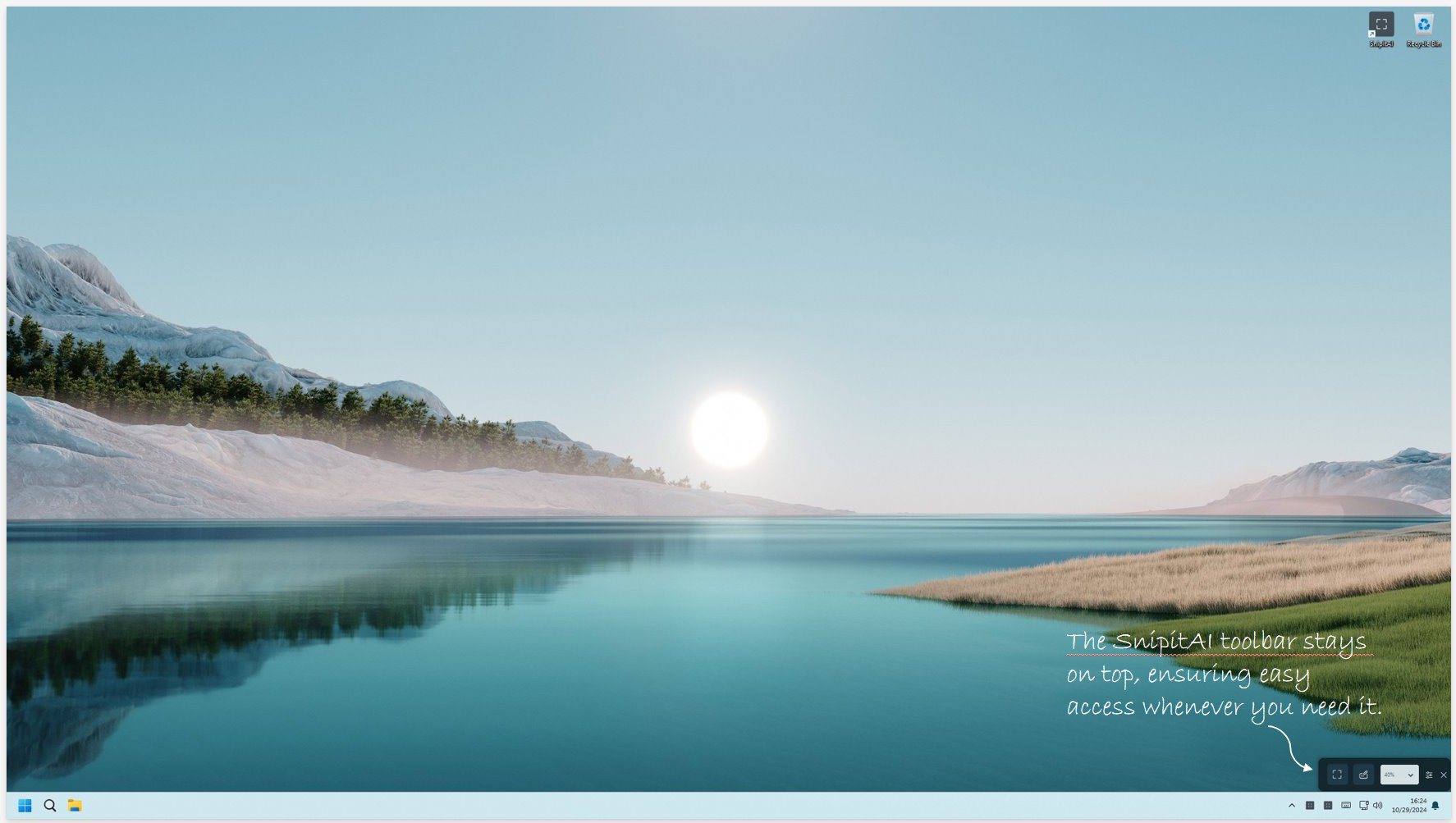
SnipItAI features a clean, minimalist interface with a focus on efficiency. The main screen presents a central capture button, flanked by tabs for recent snips, saved collections, and settings. Navigation is linear and intuitive, minimizing the number of taps required to complete common tasks. Visual design elements are consistent, using soft color accents and readable typography to enhance readability and reduce eye strain.
Although the developer did not list formal performance metrics, the app appears responsive during typical usage scenarios. Users can expect smooth transitions between screens and quick processing times for basic snipping actions. The interface adapts well to various screen sizes, ensuring usability across different device categories. Stability during extended use has not been publicly reported, but the design suggests attention to long-term reliability. The app maintains a consistent state across sessions, preserving user preferences and snip history.
Performance under heavy workloads or during peak usage may vary due to reliance on external AI APIs. Users may experience delays or throttling when processing large volumes of data, particularly if token limits are reached. However, the app manages these scenarios gracefully, with clear notifications and guidance for next steps.
Platform Compatibility & Technical Requirements
SnipItAI is available on Android and iOS platforms. The app supports the latest stable versions of both operating systems, though specific minimum OS requirements were not disclosed by the developer. The current software version is 1.0.0, and the file size is approximately 45 MB, making it lightweight for most modern smartphones. No additional hardware requirements were specified.
Users should ensure their devices meet standard performance benchmarks for running modern mobile applications. The app does not require root access or special permissions beyond basic storage and camera access, which are necessary for core functionality. Compatibility with older devices or legacy OS versions was not confirmed.
Pros and Cons
Pros
- Intuitive, minimalistic design enhances usability across skill levels.
- AI-powered search enables fast, context-aware retrieval of stored content.
- Free trial with 15,000 tokens offers a low barrier to entry for testing.
- Efficient handling of text, images, and files in a single workflow.
- Seamless integration of GenAI for smart content organization.
Cons
- Token usage limits may restrict extended use without purchase.
- Performance may be affected by external API dependencies during high demand.
- AI-generated content may contain inaccuracies or biases due to OpenAI API constraints.
- Specific technical requirements and device compatibility details were not fully disclosed.
- Long-term reliability and data privacy policies were not publicly documented.
FAQ
Is SnipItAI free to download and use?
Yes, SnipItAI offers a free trial with 15,000 tokens for new users. After the trial, continued access to AI-powered features requires a paid subscription.
What platforms does SnipItAI support?
SnipItAI is available on both Android and iOS devices. Specific OS version requirements were not listed by the developer.
How does the AI search work?
The app uses GenAI technology to index and categorize captured content. Users can search using natural language queries, and the system retrieves relevant snippets based on context and keywords.
Can I use SnipItAI offline?
While basic snipping and storage may function offline, AI-driven features such as search and content summarization require an active internet connection due to reliance on external APIs.
Is my data secure when using SnipItAI?
The developer did not provide detailed information on data encryption, storage practices, or privacy policies. Users are advised to review the app’s terms and conditions before uploading sensitive content.
Final Thoughts + CTA
SnipItAI stands out as a forward-thinking tool in the mobile productivity space, combining the simplicity of a snipping app with the intelligence of generative AI. Its ability to capture, organize, and retrieve information efficiently makes it a valuable asset for professionals and students alike. While the token-based model and external API reliance introduce some limitations, the app delivers a compelling user experience during its trial period. The clean interface, smart search, and seamless workflow justify its place in a modern digital toolkit.
For those seeking a smarter way to manage knowledge on the go, SnipItAI offers a powerful, future-ready solution. Download SnipItAI now
Guides & Tutorials
How to install SnipItAI
- Click the Download button above.
- Once redirected, accept the terms and click Install.
- Wait for the SnipItAI download to finish on your device.
How to use SnipItAI
This software is primarily used for its core features described above. Open the app after installation to explore its capabilities.
User Reviews
No reviews yet. Be the first to share your experience.
You may also like
more
Que no te pillen¡
About !Que no te pillen¡Reviewed by Jason A. BilbreyShow MoreShow Less

3D Combat Zone
About 3D Combat ZoneOriginally released in 1983, 3D Combat Zone immerses players...

666: El día del portal
About 666: El día del portalOn June 6, 2006, Agent P. Stone uncovers a sinister...

80 in 1 Best Flash games
About 80 in 1 Best Flash games 80 in 1 Best Flash games is a collection of 80 fl...

ABYSS SEEKERーーWhat Do You See Deep in The Abyss
About ABYSS SEEKERーーWhat Do You See Deep in The AbyssIn ABYSS SEEKER, players...

ACA NEOGEO THE KING OF FIGHTERS 2002 for Windows
About ACA NEOGEO THE KING OF FIGHTERS 2002 for WindowsTHE KING OF FIGHTERS 2002,...